Valorant Pro
0 purchases.
Description
Features
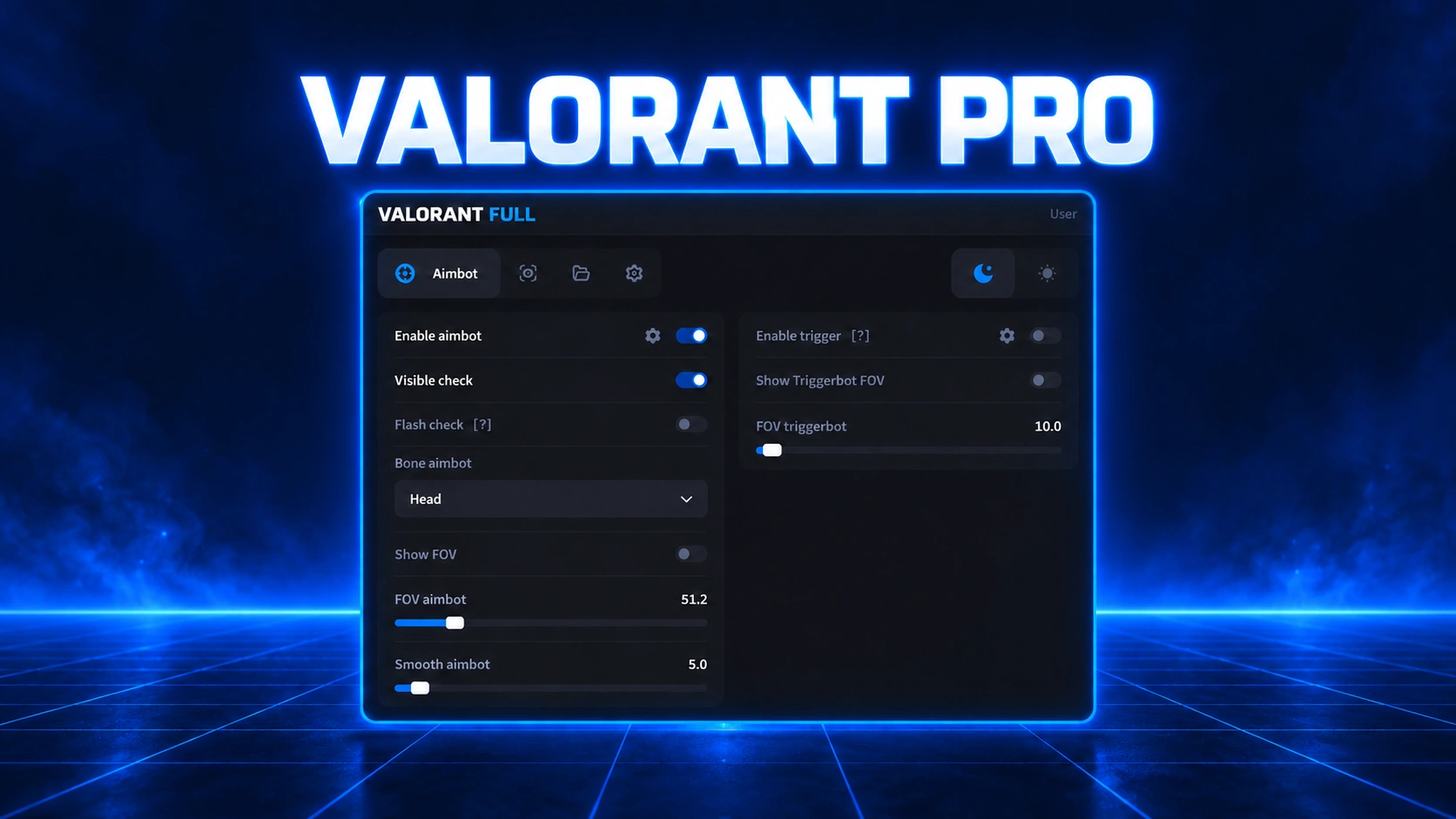
Aimbot & Triggerbot
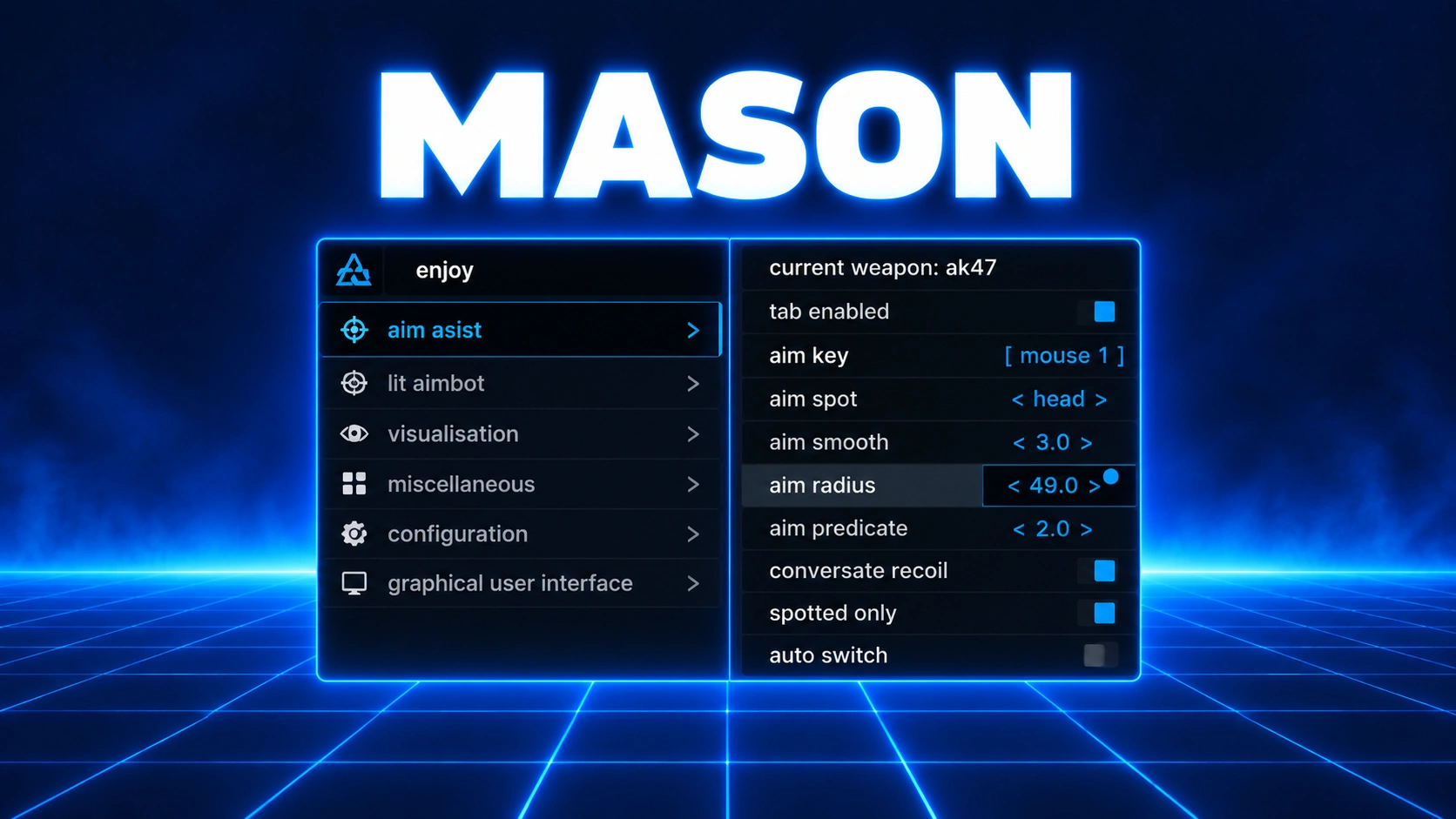
- Enable Aimbot - turns on the aimbot
- Aim Key - hold this key to aim
- AIM FOV - how far from your crosshair the aimbot looks for targets
- Show Aimbot FOV - draws the aimbot's range as a circle around your crosshair
- Smooth - makes aiming smoother; higher values aim slower and look more natural
- Bone - choose which body part to aim at
- Visible Check - only targets players you can actually see, not ones behind walls
- Flash Check - stops aiming while you're flashed
- Enable Trigger - shoots automatically when an enemy is under your crosshair
- Trigger Bot Key - hold this key to use the triggerbot
- Triggerbot FOV - how close to your crosshair an enemy has to be for it to fire
- Show Trigger FOV - draws the triggerbot's range on screen
Player ESP
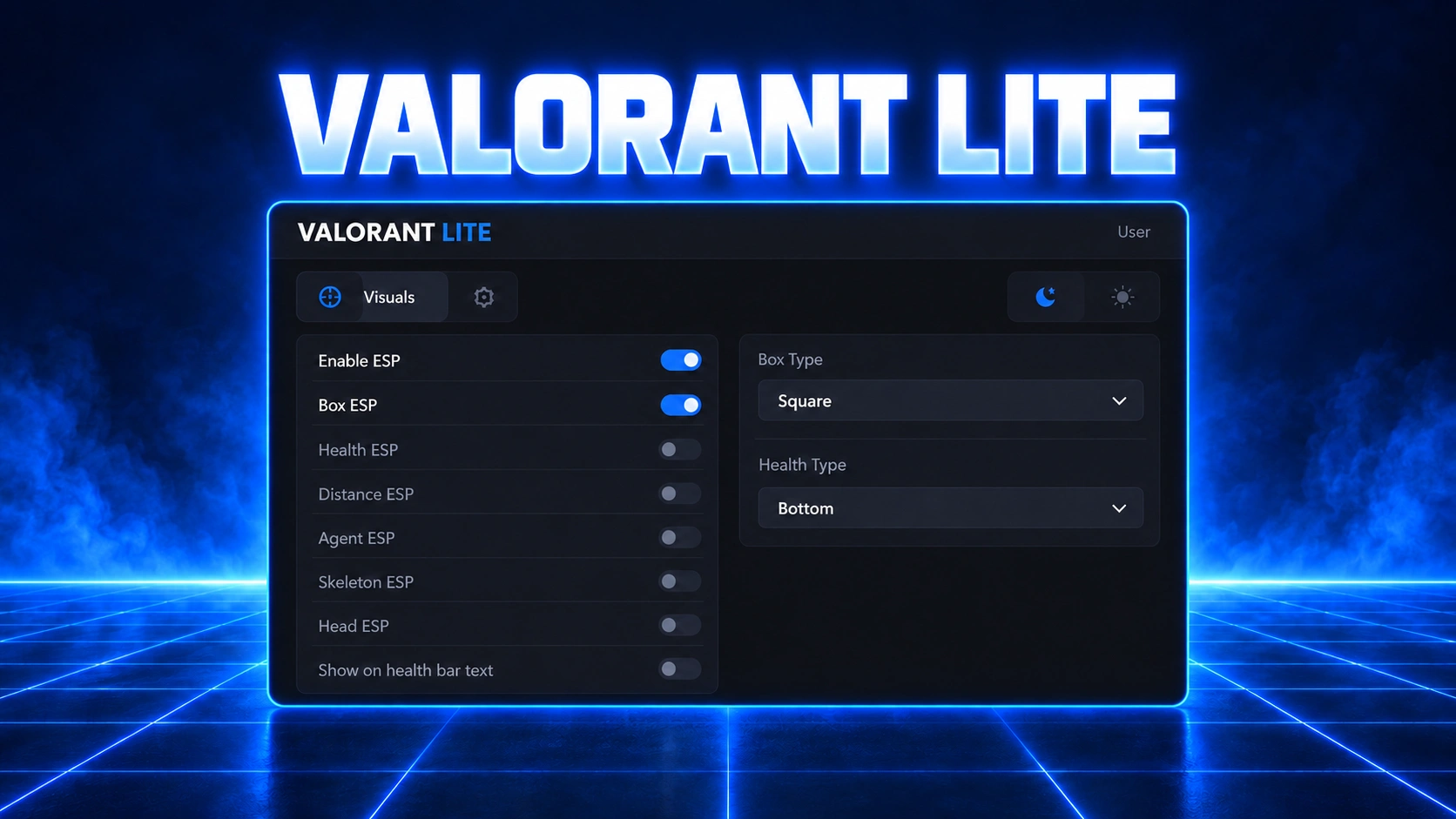
- Enable ESP - see players and their info through walls
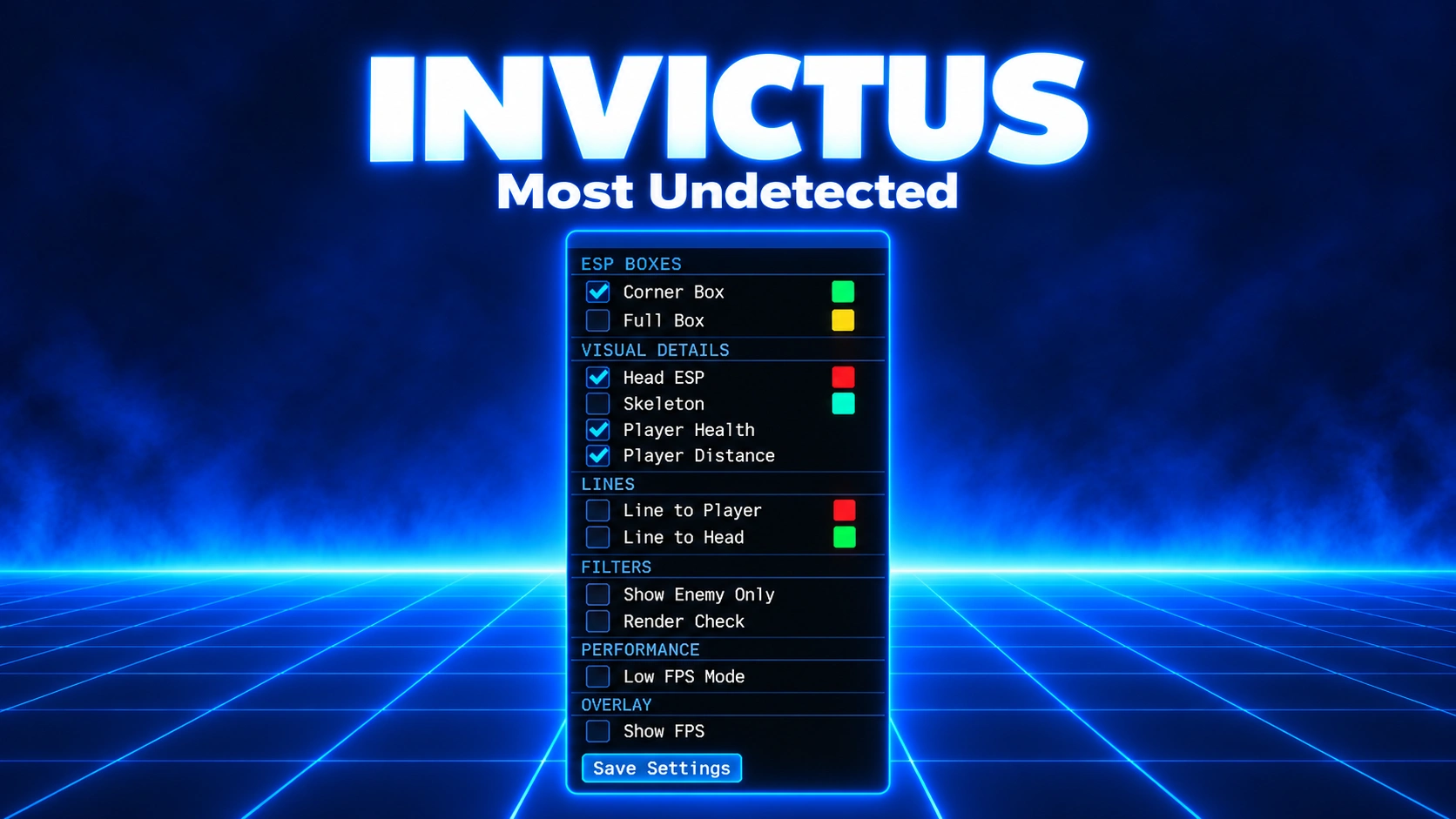
- Box ESP - draws a box around each player, visible through walls
- Box Type (Square, Corner, 2D Box, 3D Box) - choose the box style
- Fill Box - fills the boxes with a dark, see-through shade
- Skeleton ESP - shows each player's skeleton through walls
- Head ESP - highlights each player's head
- Health ESP - shows each player's health
- Health Type (Right, Left, Bottom, Above) - choose where the health bar sits
- Distance ESP - shows how far away each player is, in meters
- Weapon ESP - shows the weapon each enemy is holding
- Agent ESP - shows which agent each player is using
- Rank ESP - shows each player's rank
- Enemy Only - shows enemies only, not teammates
World ESP
- Spike ESP - shows where the spike is
- Spike Box - draws a box around the spike
- Spike Info - shows details about the spike
- Show Text On Spike - shows the spike's info as text right on the spike
- Spike Distance - shows how far away the spike is, in meters
- Spike Defuse Progress - shows a progress bar while the spike is being defused
- Defuse Alert - notifies you as soon as someone starts defusing the spike
Misc
- Menu Theme - switch between a dark and light menu
- Custom Colors - pick your own colors for every visual
- StreamProof - ESP doesn't show up in Discord screen shares or OBS recordings
- Anti-Flash - flashes won't blind you
- Anti AFK - stops you getting kicked for being AFK
- Who Vote - shows who's watching you and notifies you about it
- Wireframe Weapons - removes weapon textures and shows just the outline
Requirements
Requirements
- Virtualization - must be disabled
- Hyper-V - must be disabled
- Runtimes - Visual C++ and DirectX installed
- Display Mode - Borderless or Windowed (exclusive Fullscreen is not supported)
- Discord - game overlay and hardware acceleration on, legacy overlay off
Customer Reviews
No Reviews Yet
Be the first to review this product!
Log in to your account
No matches here — press Enter to search everything.
Type to search products.