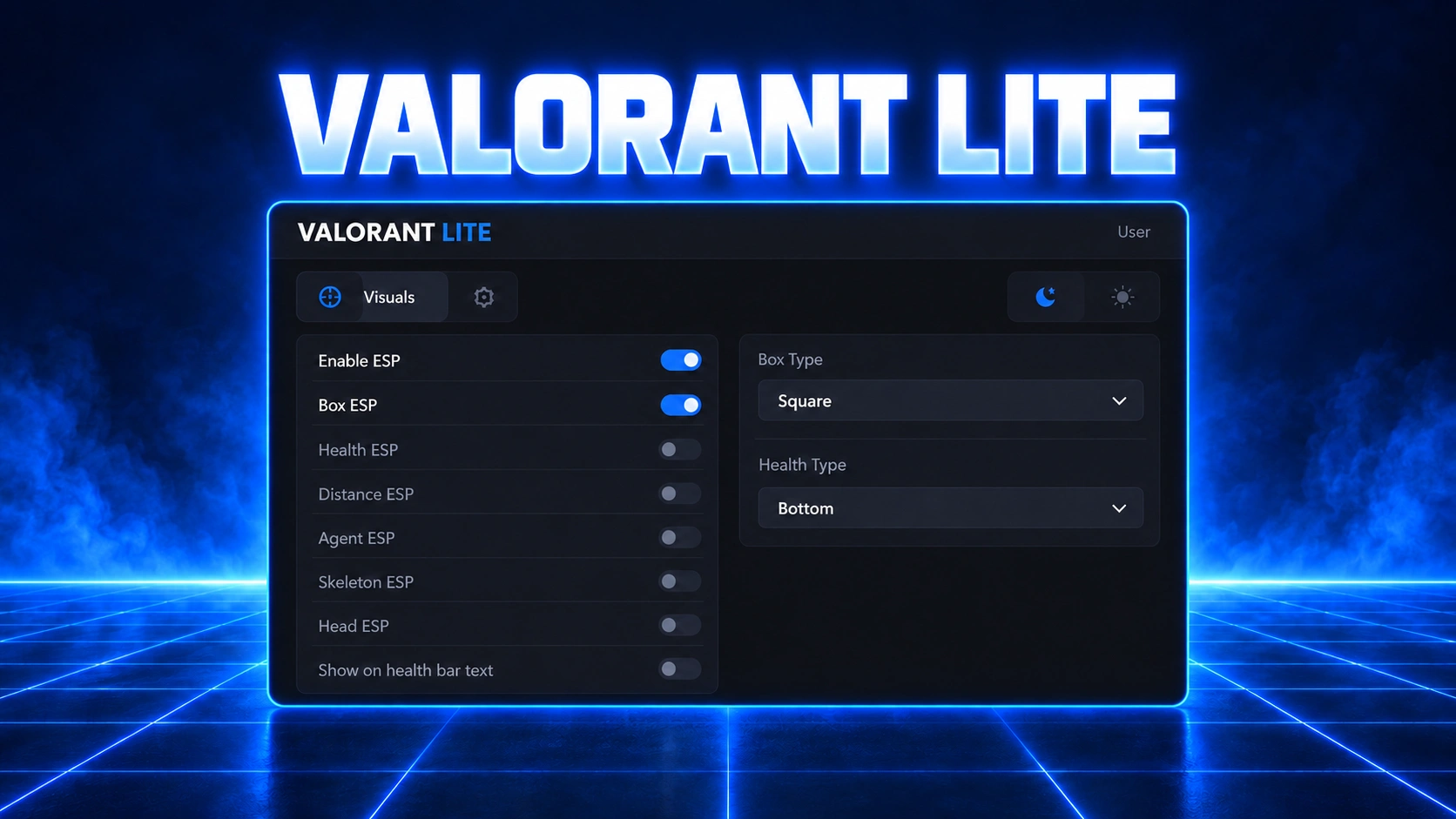
Valorant Lite
Download
Check the requirements first, then download the current loader and follow the steps below in order.
Requirements
- The supplier requires virtualization and Hyper-V to be disabled for this product.
- Install the Visual C++ Redistributables and the DirectX Runtimes.
- Use Borderless or Windowed mode in Valorant. Exclusive Fullscreen is unsupported.
- Enable Discord's game overlay and hardware acceleration.
- Keep Discord's Legacy Overlay disabled.
Check compatibility with support on our Discord before changing system settings.
Launch instructions
- Close Valorant, then right-click the current loader and choose Run as administrator.
- Enter your Stanova Lite license key and press
Enter. Enter the key again only if the loader prompts for it. - Wait for "Press F1 in main menu" to appear. Keep the console open.
- Launch Valorant, reach the main menu, and press
F1. - Enter the Shooting Range and press
F5to enable ESP. - Press
Insert (INS)to open or hide the menu. PressF5to restart ESP.
Menu controls:
F1 at the main menu, F5 to enable or restart ESP, and Insert (INS) to open or hide the menu.Troubleshooting
- No visuals? Check the display mode, Discord overlay settings, and the
F5step in the Shooting Range. Close conflicting overlays such as MSI Afterburner. - Clock or authentication error? Synchronize Windows date and time.
- Connection error or unsupported configuration? Open a support ticket with the exact message and your Windows build.
Still stuck?
Open a ticket on our Discord with the exact error and your Windows build, and we'll help you out.
Log in to your account

No matches here — press Enter to search everything.
Type to search products.