Mason Internal
Before you start
- Keep the loader on a USB flash drive only. You must launch the loader and complete the injection from that drive. Delete any copies of the loader from your PC.
- Open Rust, set the window mode to Fullscreen Windowed in the game settings, then close the game.
Once the injection is complete, you must remove the USB flash drive. The loader must only be stored on the USB drive.
Installing & launching Mason Internal
- Download the loader with the button above using the license key you received after payment, then place it on your USB flash drive.
- Right-click the loader on your USB drive and choose Run as administrator.
- In the loader, select your game, click it, then click Run.
- Wait for the loader to finish. A check mark confirms a successful injection, and the loader will close.
- Remove the USB flash drive and immediately launch the game.
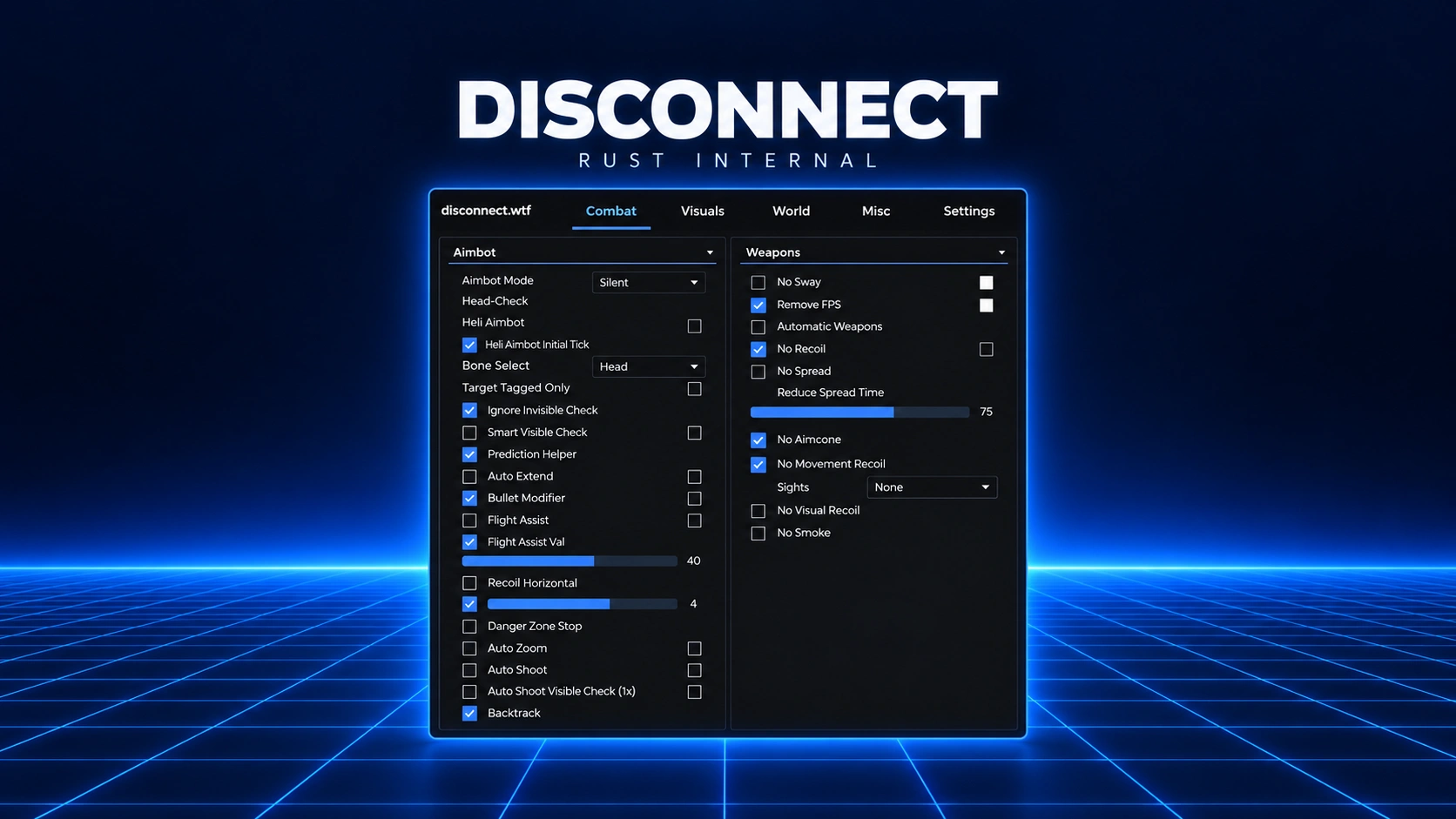
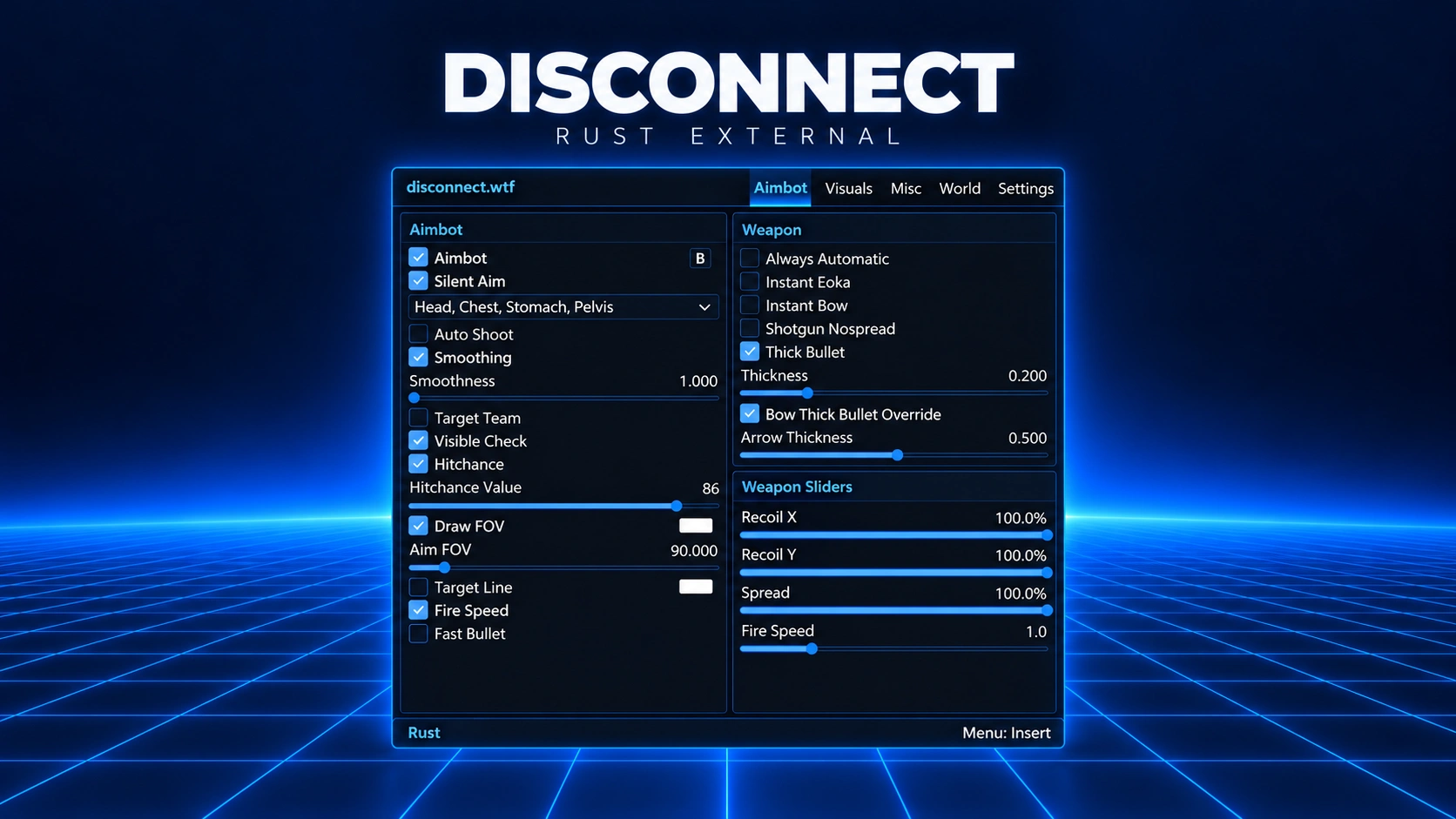
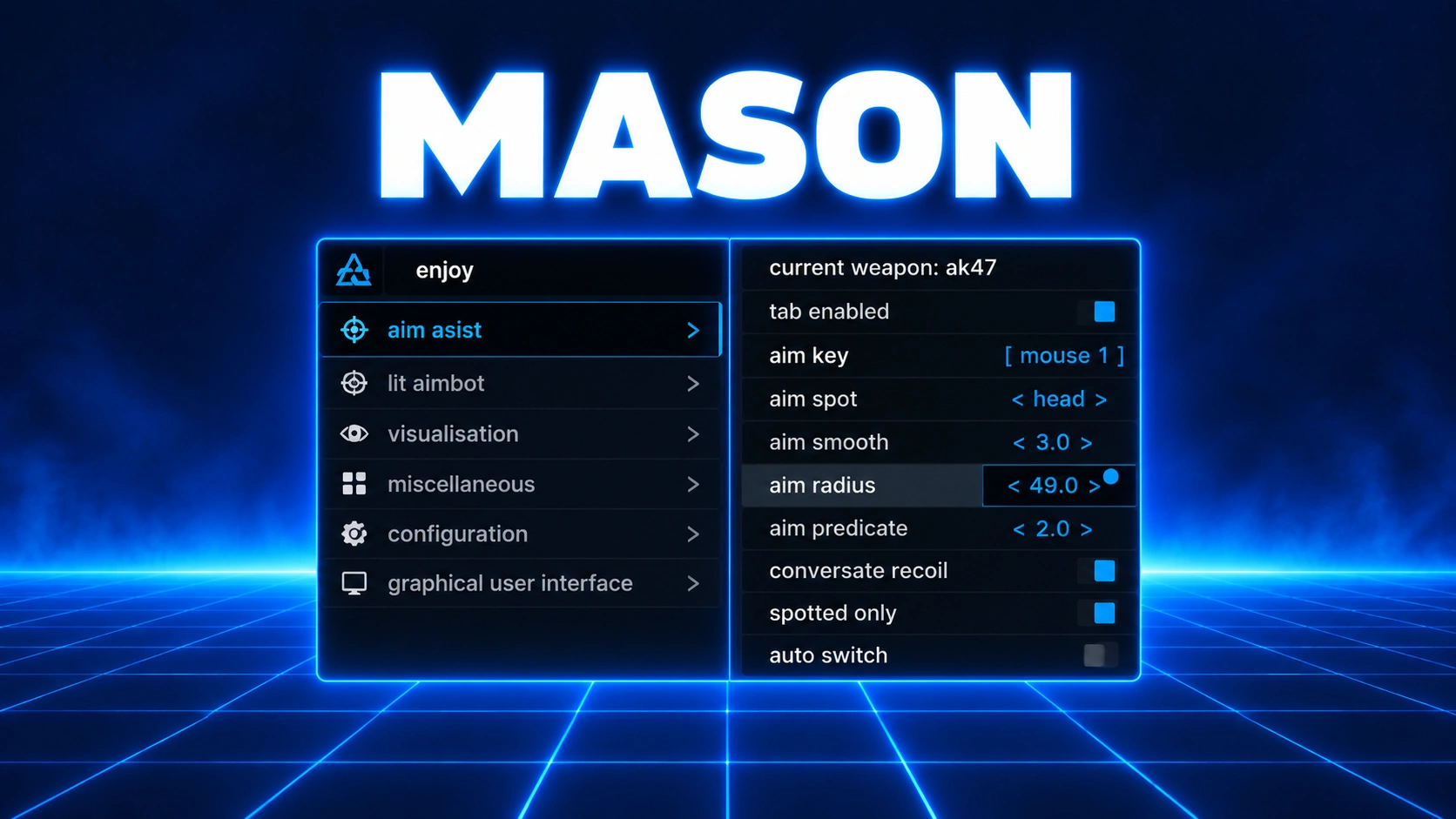
- Once the game has fully loaded to the main menu, press F2 to complete the injection, then press Insert (INS) to open the menu.
Menu controls: F2 completes the injection at the main menu, Insert (INS) opens the menu, and F6 completely unloads the cheat.
Having issues?
If the menu isn't appearing, check both of these first.
- Open Registry Editor and check Computer\
HKEY_CLASSES_ROOT\ . The value named (Default) should be C:\CLSID\ {745057c7-f353-4f2d-a7ee-58434477730e}\ InprocServer32 Windows\ .System32\ mfwmaaec.dll - Check that C:\
Windows\ is at least 1.5 MB in size.System32\ mfwmaaec.dll
If either check doesn't match, follow the troubleshooting steps below.
Menu not appearing
- Close all antivirus programs and other software. The supplier's guide specifies using DControl for Windows Defender.
- Open a console as Administrator and enter sc start trustedinstaller.
- Turn on your VPN before using the launcher and keep it on until the cheat menu appears in the game.
- For this troubleshooting attempt, wait 15 seconds after injection, then manually open Rust.exe from the game folder as Administrator.
Log in to your account




No matches here — press Enter to search everything.
Type to search products.