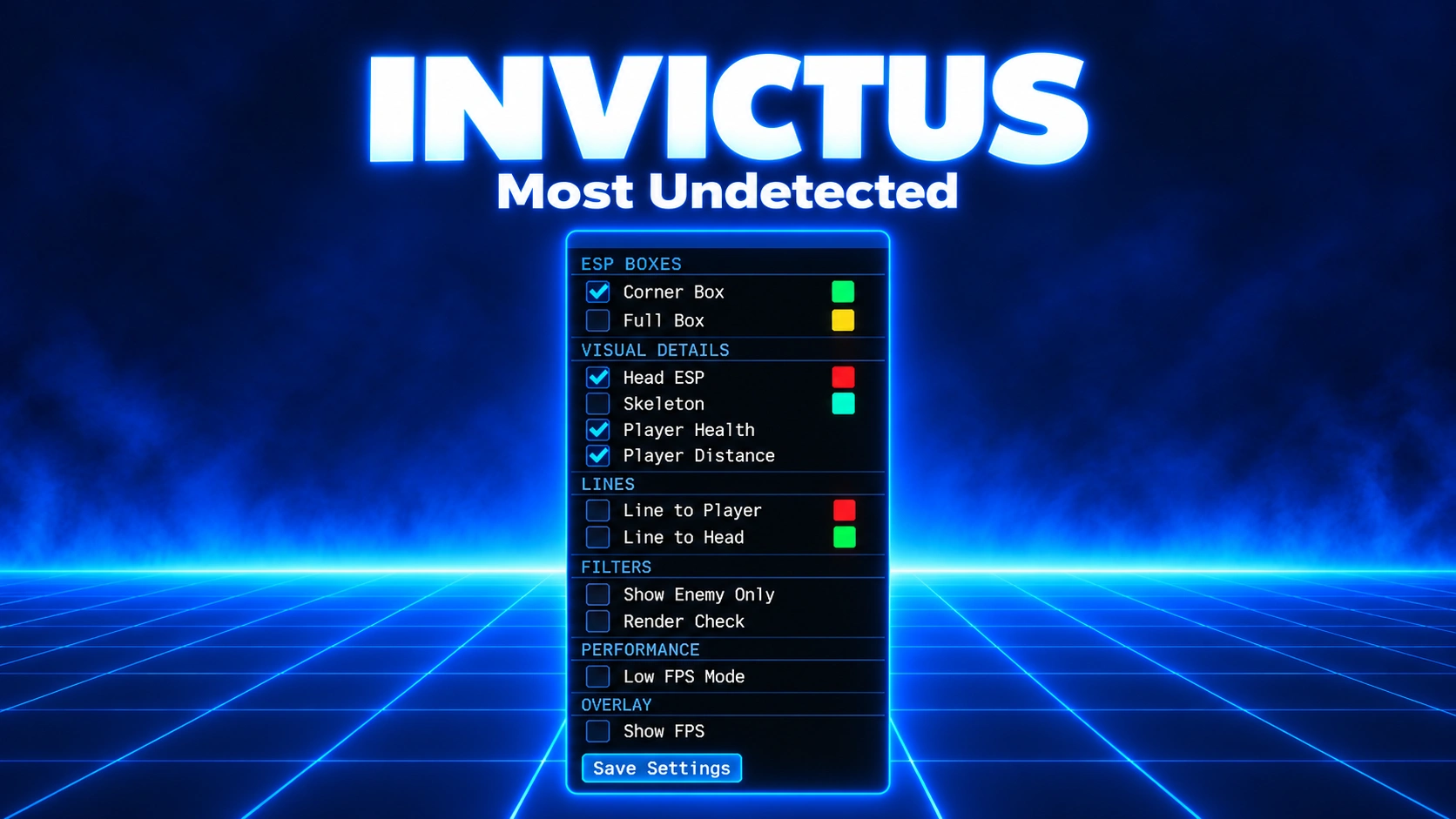
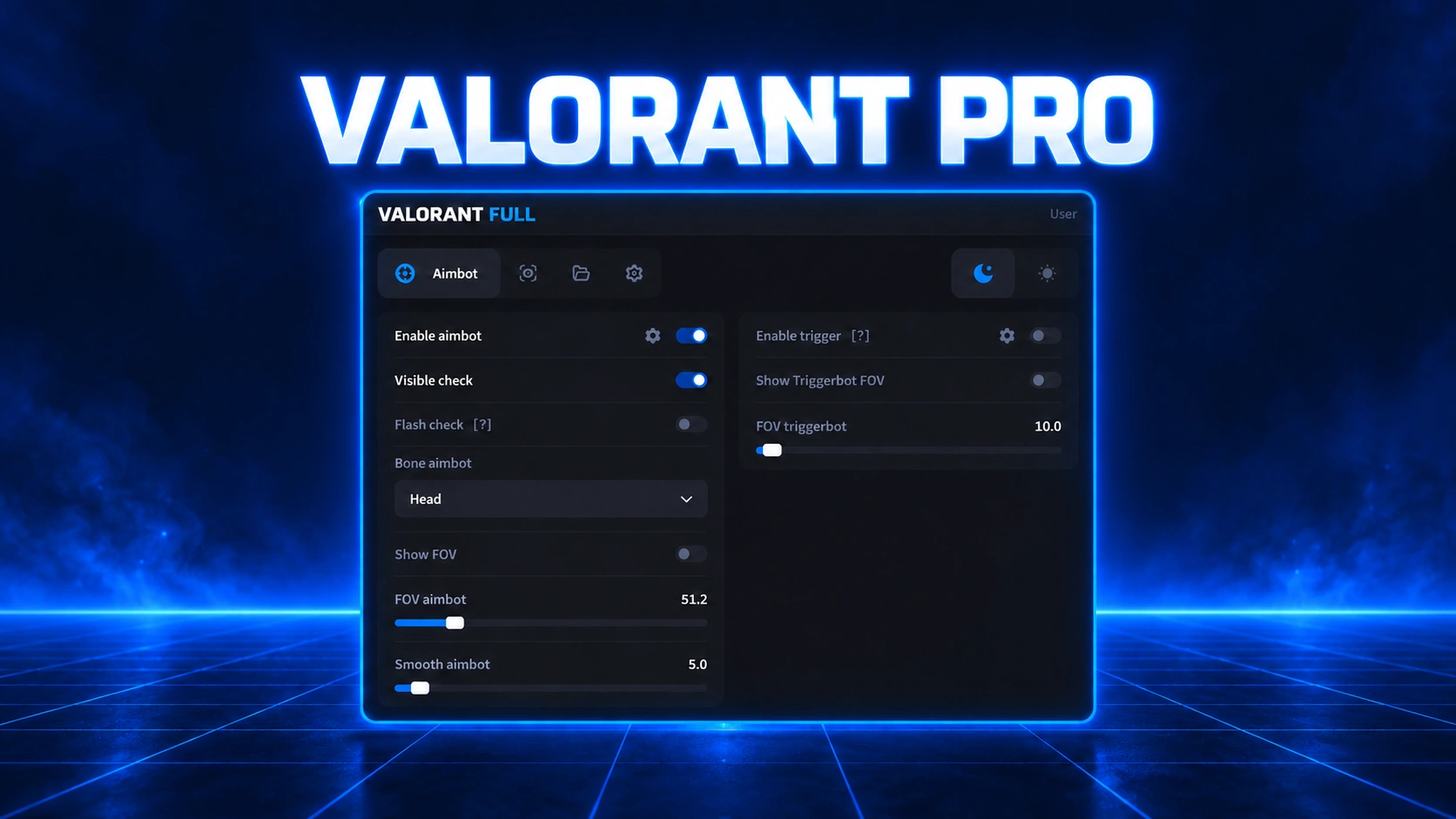
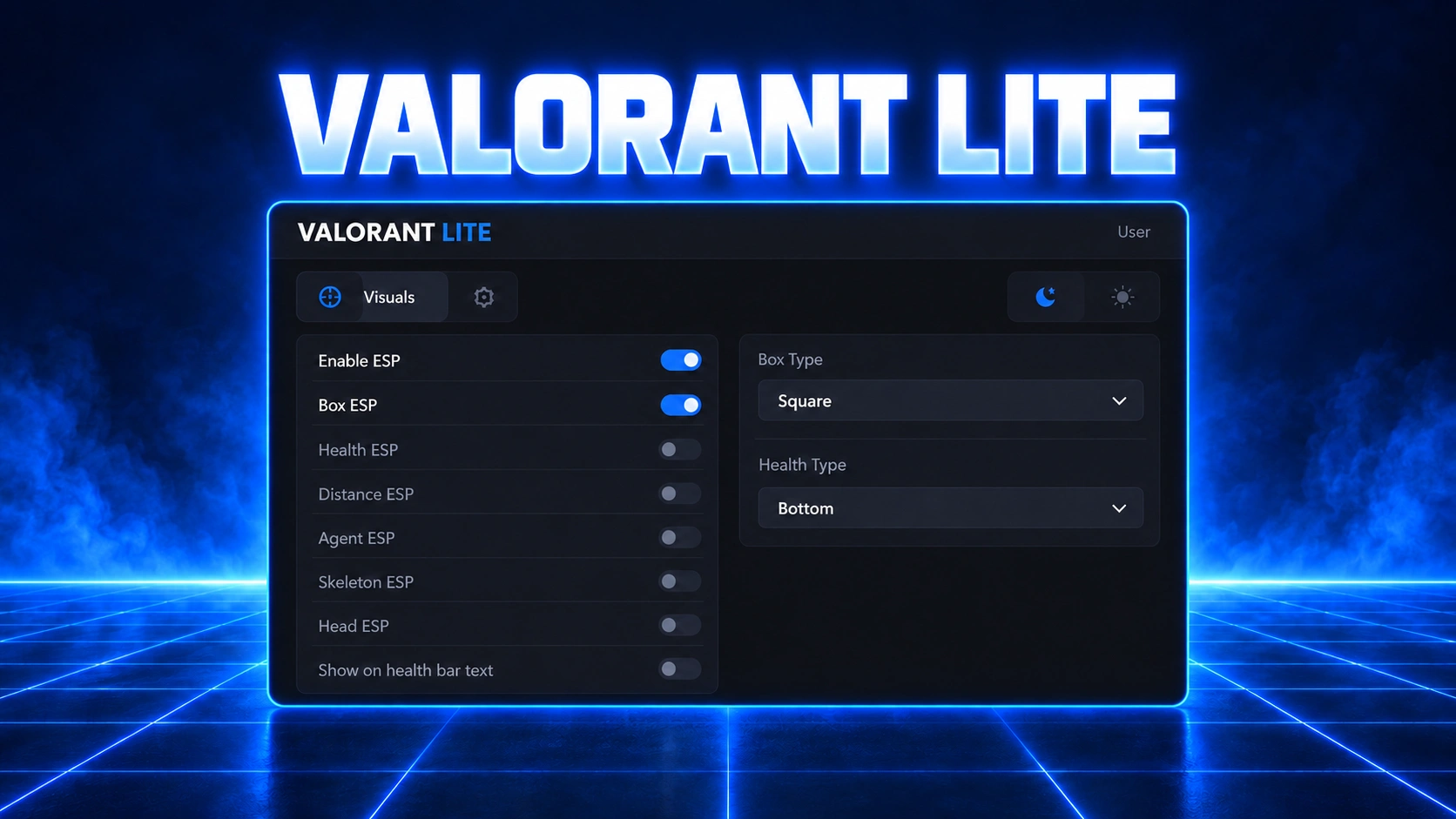
Invictus Valorant
Download
Check the requirements first, then download the current loader and follow the steps below in order.
Requirements
- Memory Integrity / Core Isolation must be ON. Open Windows Security → Device Security → Core Isolation details, enable Memory Integrity, and restart your PC if needed.
- Use Windowed Fullscreen (Borderless) or Windowed mode in Valorant. Exclusive Fullscreen is unsupported.
- Install the Visual C++ Redistributables and the DirectX Runtimes.
Launch instructions
- Right-click the current loader and choose Run as administrator.
- Enter your license key and press
Enter. - Launch Valorant and wait until you reach the main lobby.
- Press
Insert (INS)to inject. Wait for the ACTIVE indicator and the FPS counter at the top left. - Press
Insert (INS)to open or hide the menu. - Always press
Endbefore closing the game.
Before every game exit: press
End first, then close Valorant.Troubleshooting
- No ESP? Check that Valorant is in Borderless or Windowed mode and that Memory Integrity is enabled.
- No ACTIVE indicator? Confirm that you are in the main lobby, then restart the loader and game if needed.
- Crashes? Check that you pressed
Endbefore the previous game exit, and close any conflicting overlays.
Still stuck?
Open a ticket on our Discord with the exact error, your Windows build, Core Isolation status, and the steps you've already tried, and we'll help you out.
Log in to your account
No matches here — press Enter to search everything.
Type to search products.