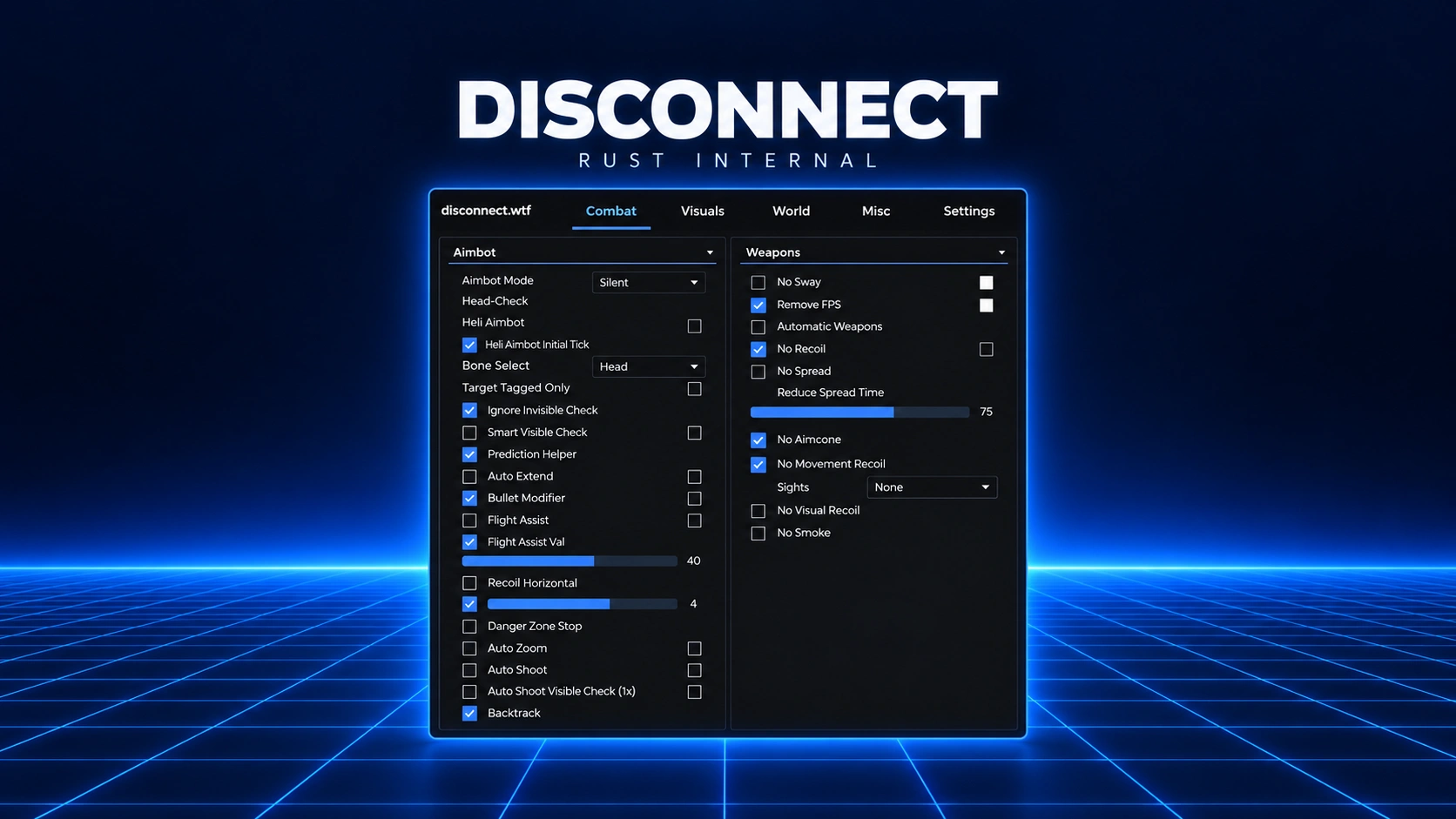
Disconnect Rust Internal
Before you start
- Install the Visual C++ Redistributables and the DirectX Runtimes. The software needs both. If the DirectX installer offers the Bing Bar, untick it so the install doesn't fail.
- Restart your PC once both are installed.
Installing & launching Disconnect Rust Internal
- Download the loader with the button above, run it as Administrator, then create an account or sign in.
- Complete the injection. When the pop-up appears, load your HWID spoofer (during or after injecting, never before), then launch Rust.
- Give it time. Once the game reaches its main menu, the cheat menu can take up to three minutes to appear. Don't reinject or restart while you wait.
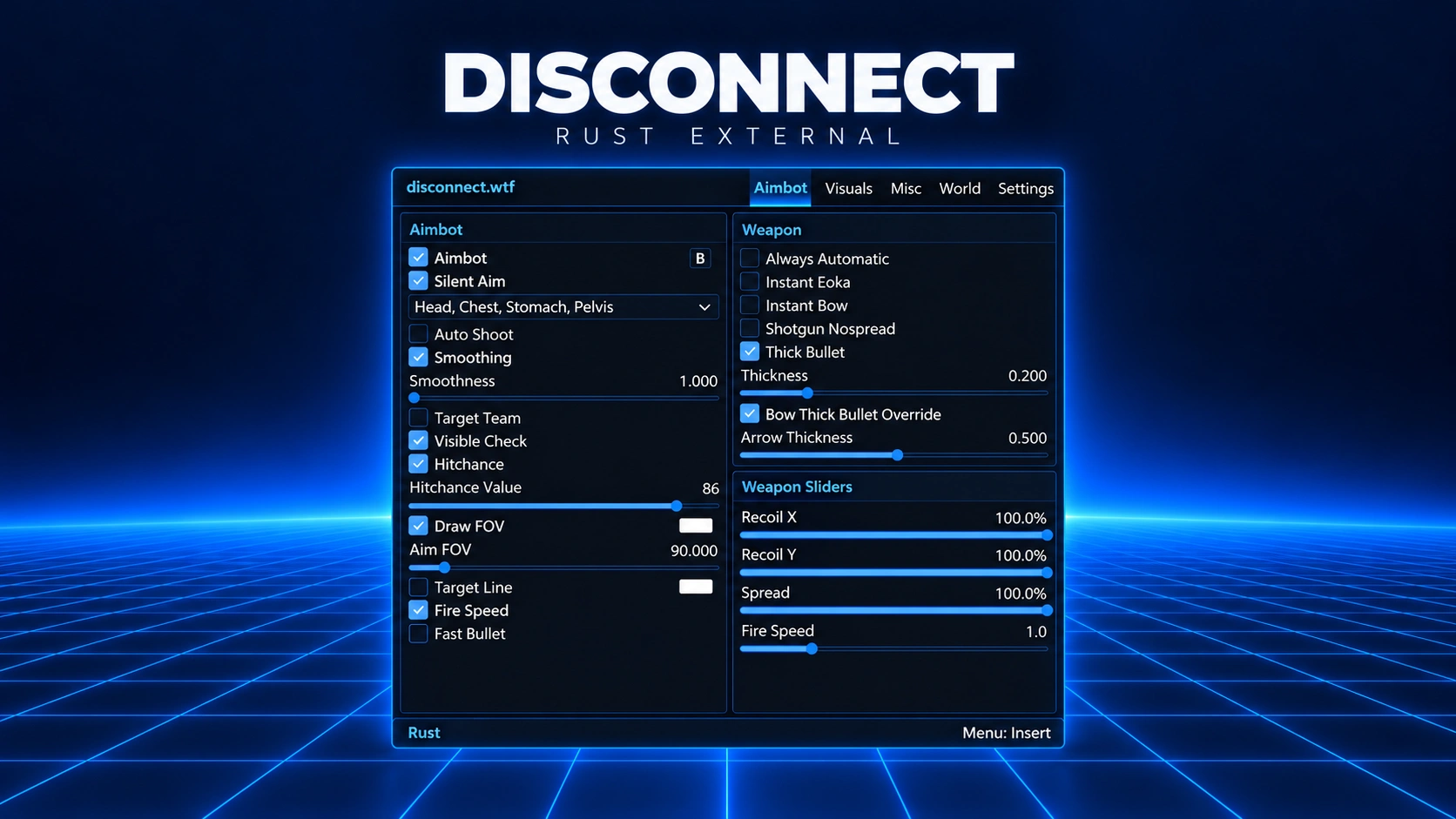
Default menu key: Insert (INS). You can change it in the menu settings. If your keyboard has no Insert key, look up the key combination for your keyboard model.
Having issues?
Check these first. They fix most problems.
- The loader is running as Administrator.
- Visual C++ and DirectX are installed.
- You restarted your PC, then injected again.
Changed something on this list? Restart and try again before anything else. That's usually the whole fix.
Log in to your account

No matches here — press Enter to search everything.
Type to search products.