Disconnect Rust External
Download
Get your loader from cheezit.life, then follow every step below in order. You'll also need the Visual C++ and DirectX runtimes, linked in the pre-setup steps.
Loader pre-setup
- Uninstall any antivirus software and any anti-cheat services you have running, such as FACEIT or Vanguard. Then turn off Windows Defender Real-time protection.
- Download and extract Visual-C-Runtimes.zip, then right-click install_all.bat and choose Run as Administrator to install all required runtimes.
- Download and install the Microsoft DirectX Runtime.
- Visit cheezit.life, enter your license key, and wait for your custom loader build to download.
Loader login & injection
- Open the loader application.
- Log in with your existing account, or create a new account using your license key.
- Go to the Products page inside the loader.
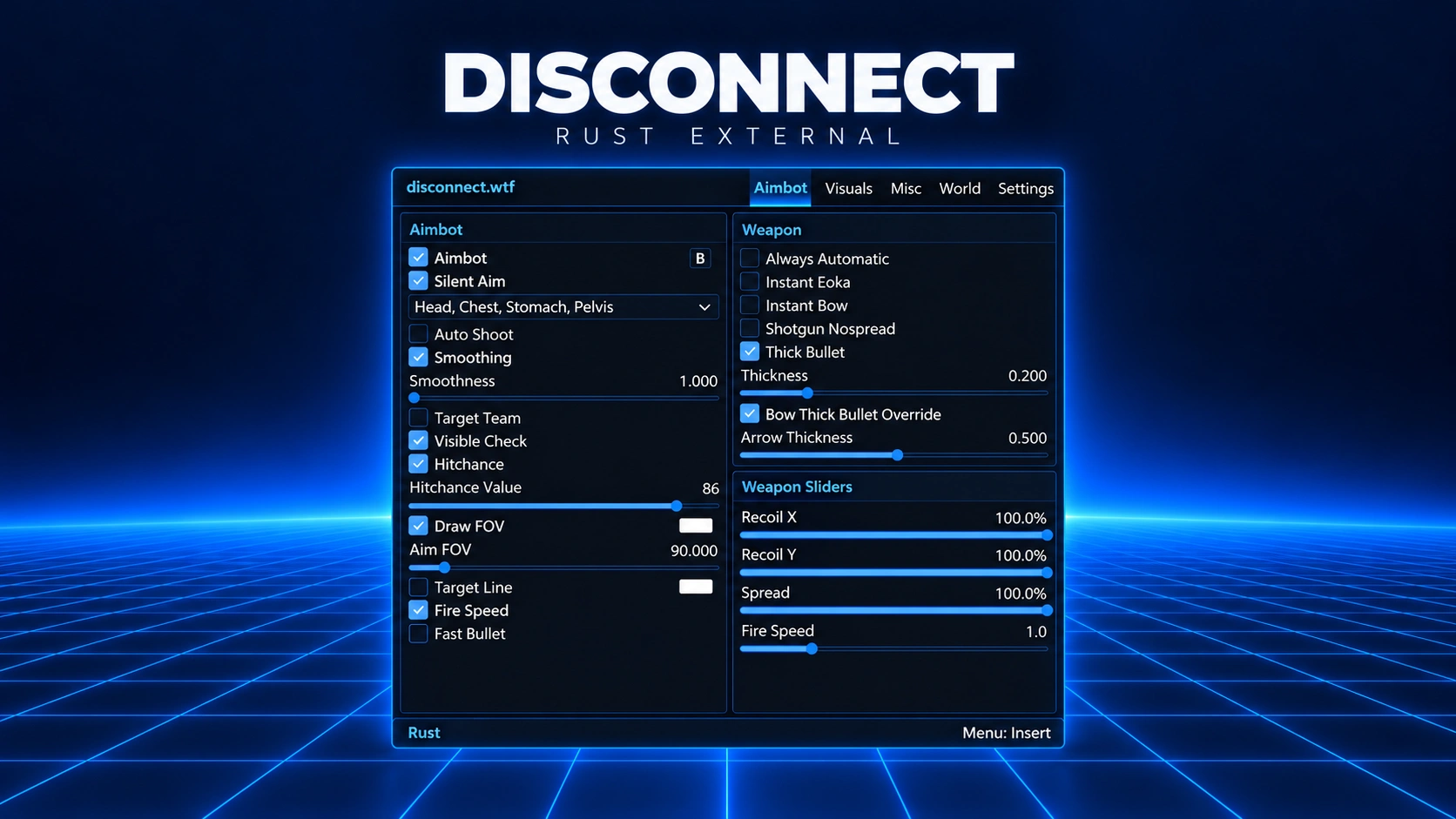
- Select Disconnect Rust External and click Inject.
Troubleshooting
- Log out and back in, then try injecting again. Many issues resolve on retry.
- Launch the loader only once per session. Multiple launches can invalidate sessions.
- If the ESP is lagging or feels unresponsive, lower your graphics settings and your FPS cap in Rust → Options → Screen → FPS Limit.
- If the ESP looks shaky, turn off Anti-Aliasing and NVIDIA DLSS in your game settings.
- If the install page or loader doesn't load, or asks for a VPN, install TunnelBear, turn it on, and try again.
Log in to your account
No matches here — press Enter to search everything.
Type to search products.